Key features
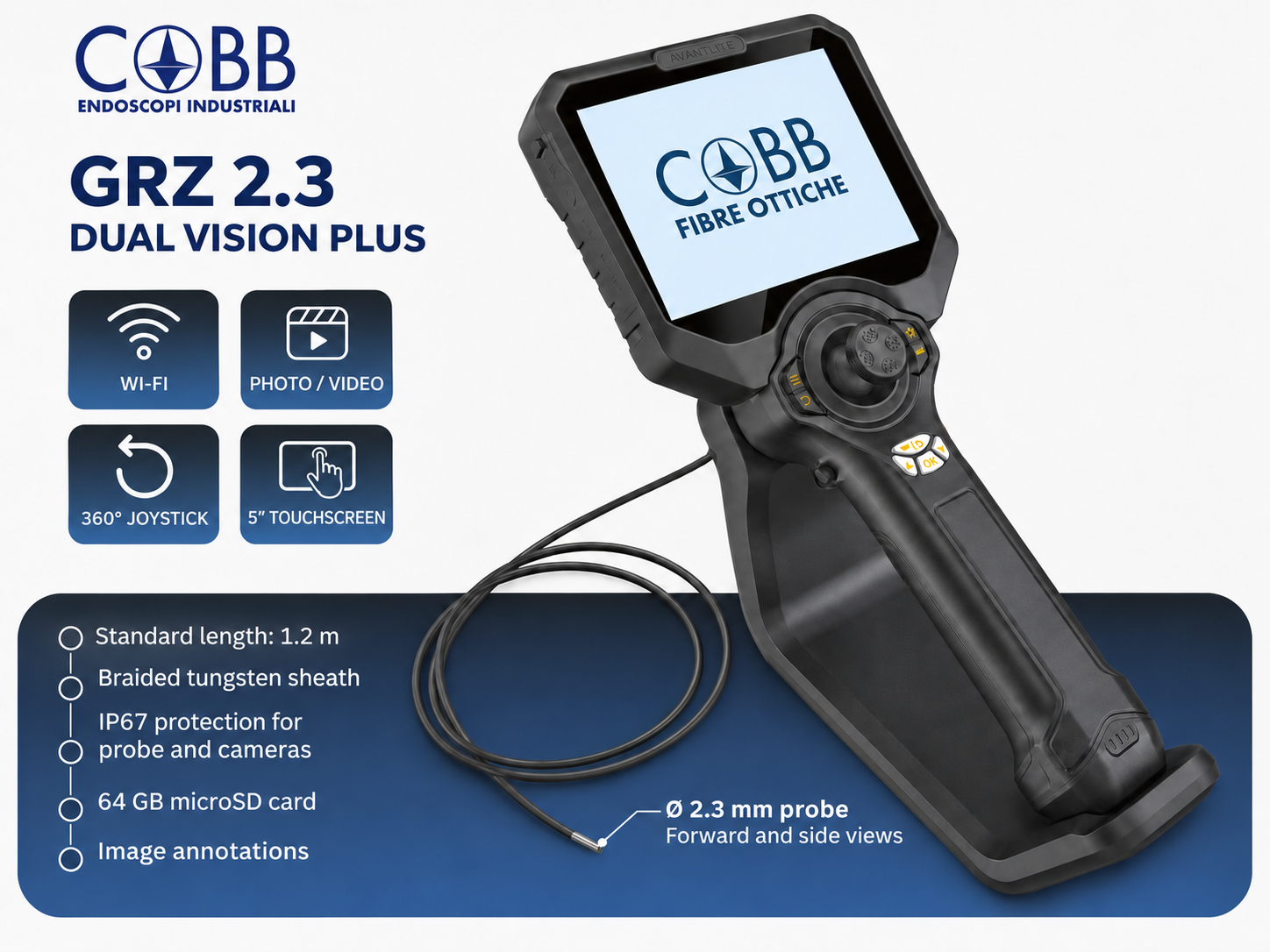
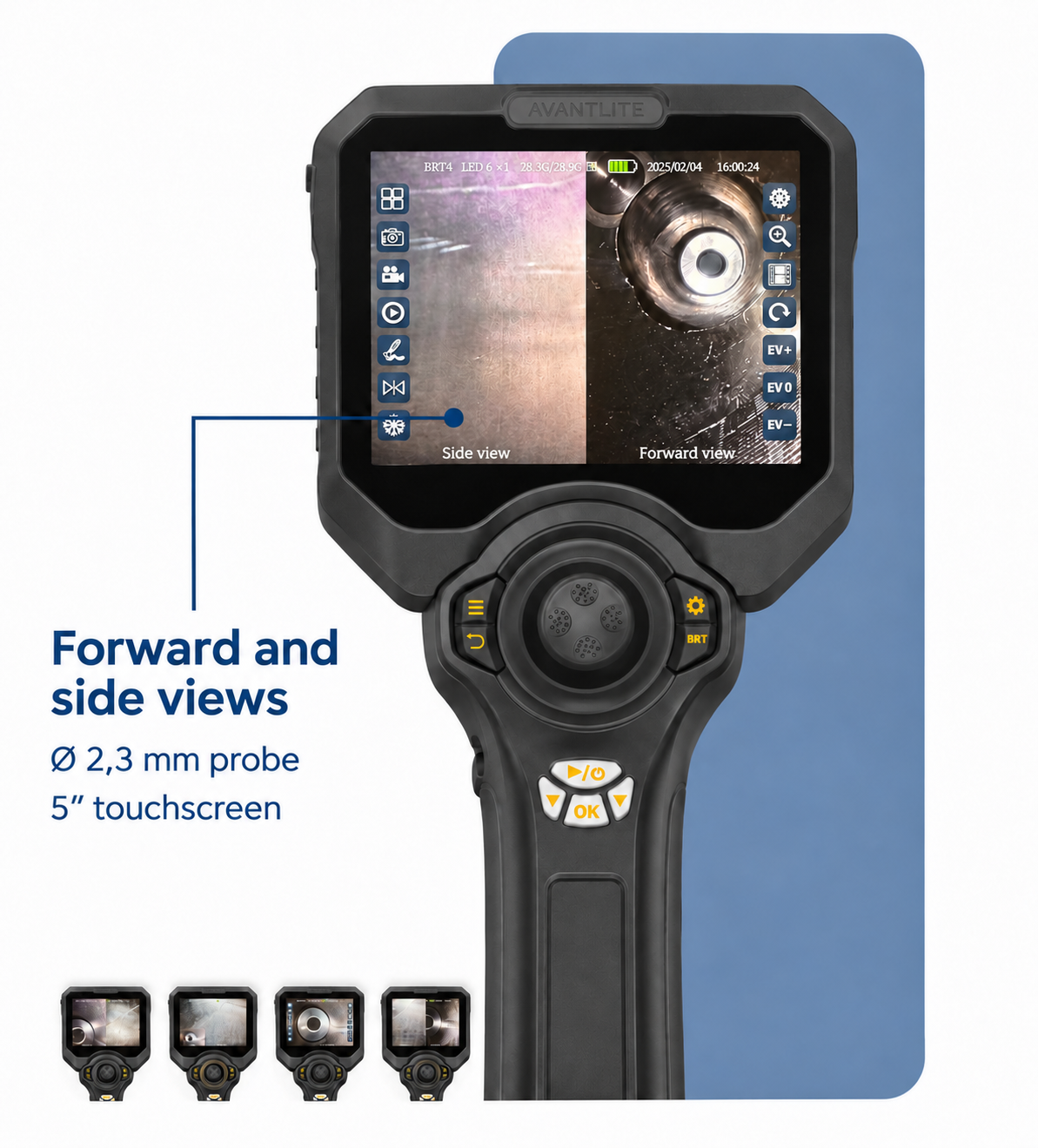
Dual cameras for forward and side views
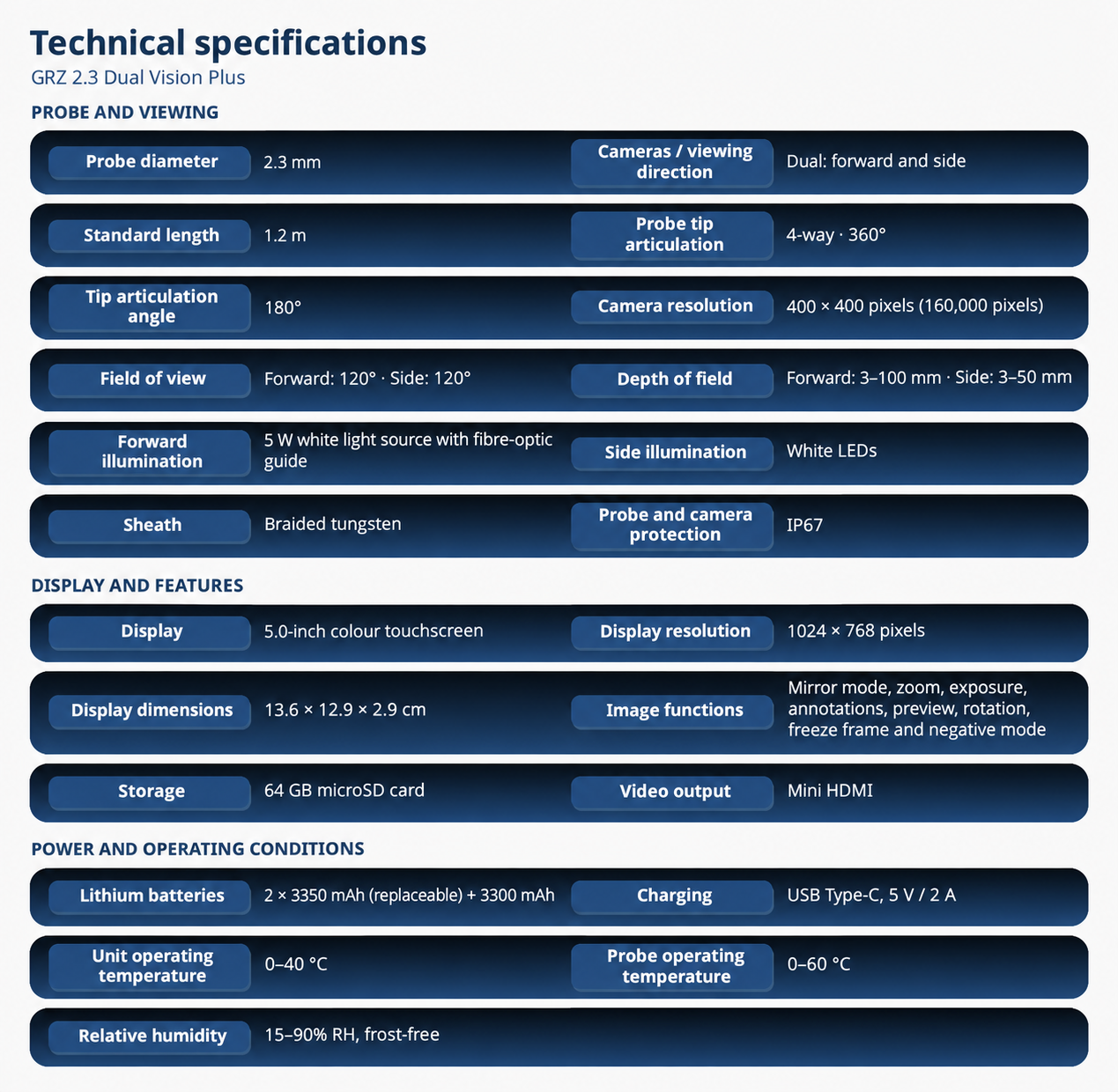
The forward-facing camera lets you follow the probe’s path and inspect the far end of a cavity. The side-facing camera lets you check internal walls, edges and surfaces along the passage. Both cameras offer a 120° field of view, with a depth of field of 3 to 100 mm for the forward view and 3 to 50 mm for the side view.
Joystick-controlled probe tip
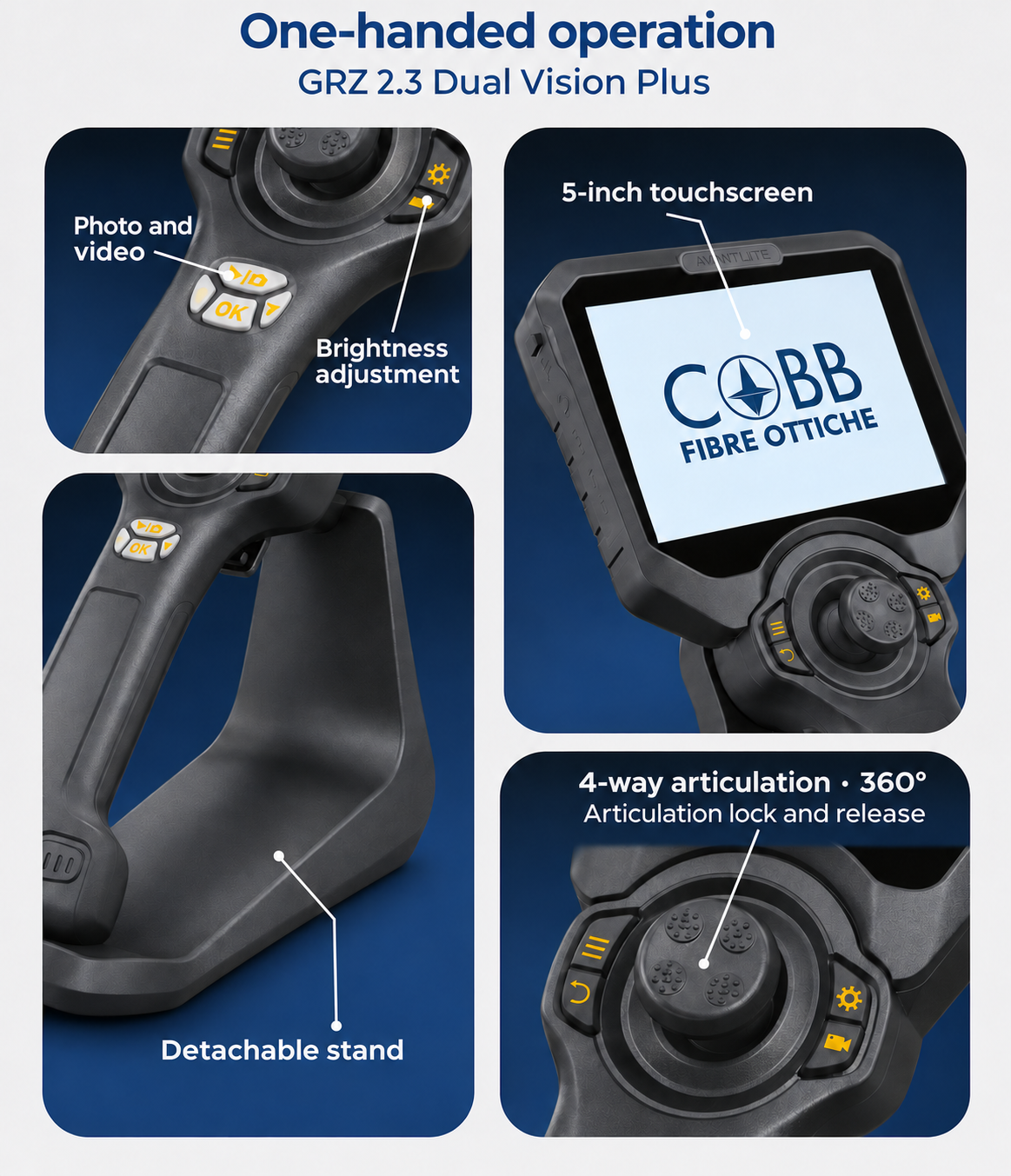
Four-way articulation lets you steer the tip in any direction around the probe axis. The tip has a 180° articulation angle, and the lock and release control holds it in the selected position while you examine a detail or take a photo.
Forward fibre-optic illumination and side-facing LEDs
A 5 W white light source with a fibre-optic guide illuminates the forward view. The side-facing camera uses white LEDs to illuminate surfaces alongside the probe. Physical buttons let you adjust brightness and access the capture controls.
Photo and video capture with on-screen annotations
The GRZ 2.3 saves JPG photos and MP4 videos to a 64 GB microSD card. You can review recordings directly on the display and add titles, notes and annotations to images to compare findings and prepare reports. The on-screen ruler lets you visually estimate the size of the feature you’re inspecting.
Image adjustments and external viewing
Digital zoom, image rotation, mirror mode and freeze frame help you examine details on the touchscreen. You can adapt the image to inspection conditions by adjusting exposure, gain, brightness, contrast, saturation, white balance and sharpness, and by applying noise reduction. The Mini HDMI output connects to an external monitor, while Wi-Fi lets you stream live images to mobile devices.